When you scroll past a hyper-real sunset, a perfect latte art dog, or a “photo” of a politician doing something outrageous, your brain probably does a quick background check: “Is this real… or AI?”
You’re not alone. Studies over the last two years show that even when people know they’re being tested, they misclassify a lot of AI-generated images, especially when the scene is complex or photorealistic.Recent diffusion-model research found that human detection accuracy drops sharply as images look more like messy, real-world photos. In other words: the AI aesthetic is real, but it’s slippery – and it’s evolving right under your nose.
At the same time, the big AI players (OpenAI, Google, Adobe, Meta, and others) are quietly rolling out technical markers like invisible watermarks and Content Credentials to make disclosure less of a vibe and more of a verifiable fact.OpenAI, for example, now embeds C2PA manifests and SynthID watermarks into many of its generated images. That means “recognizing the AI aesthetic” is no longer just an art critic’s parlor game — it’s part visual literacy, part metadata forensics.
Let’s unpack what that actually looks like in practice.
What We Mean By “The AI Aesthetic”
When people talk about “AI-looking” images, they’re usually describing a cluster of traits that text-to-image models like Midjourney, DALL·E, Stable Diffusion, Firefly, and others tend to produce by default.
Think of it like recognizing Instagram filters: you might not know the exact preset, but you can feel that “this has been run through something.”
Common elements of the AI aesthetic include:
- Hyper-clean surfaces: skin that is waxy or poreless, textiles with perfect drape, no lint or fraying.
- Over-optimized lighting: cinematic golden-hour vibes, rim lighting, or neon reflections that would be a nightmare to shoot in real life.
- Visual abundance: scenes stuffed with detail — glitter, fog, particles, reflections — simply because the model can.
- Prompt mashups: a mix of photographic realism with painterly or 3D cues, like a “photo” that also looks like concept art.
Researchers studying synthetic photography have started cataloging these kinds of artifacts and visual signatures as a way to train both experts and algorithms to spot them.One 2024 “synthetic photography detection” guide specifically breaks down recurring diffusion-model artifacts, treating them as a kind of visual fingerprint.
You don’t need to memorize a taxonomy, but it helps to know what families of quirks to look for.
Visual Telltales: Where AI Still Trips Up
Today’s diffusion models are astonishingly good — but they’re not perfect, especially when you zoom into structure and consistency.
Here are some recurring visual tells that professionals and researchers often flag:
- Hands and small anatomy
- Extra or fused fingers
- Hands that don’t logically connect to wrists or sleeves
- Earrings that don’t quite hang from the ear correctly
- Text and symbols
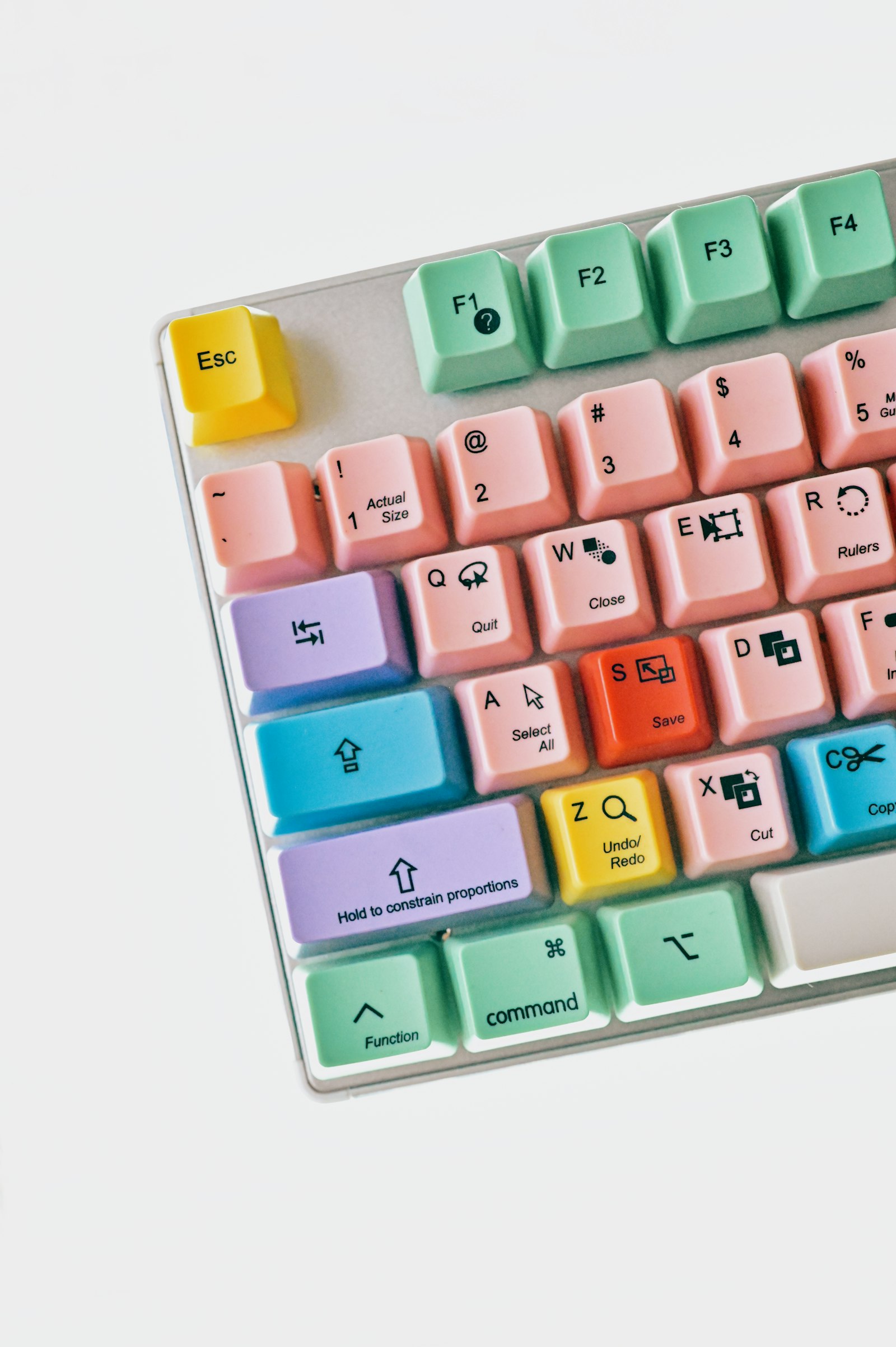
- Gibberish on signs, fake logos, or keyboard keys with nonsense characters
- Brand marks that feel “off”, like a sneaker that looks 95% like Nike but the logo is warped
- Physics and perspective
- Shadows going in impossible directions
- Reflections that don’t match the objects casting them
- Liquids, hair, or fabric frozen in shapes that don’t align with gravity
- Pattern repetition
- Identical leaves, clouds, or background faces copy-pasted with tiny variations
- Overly regular noise or texture that feels “procedural”
Recent forensics work backs up what your intuition already suspects: local artifacts (small weird regions) are as important as the overall scene.A 2025 paper on dual-path AI-image detection found that focusing on texture-rich patches — not just global semantics — significantly improves automated detectors. That’s very similar to how a human fact-checker might scan hands, jewelry, or edges for glitches.
A practical trick for you as a viewer:
- Zoom in.
- Check edges, text, jewelry, hands, and busy textures.
- Ask: “If someone shot this on a real camera, would all these tiny details line up?”
Often, the weirdness only appears when you stop doomscrolling and start inspecting.
Why Your Eyes Alone Are No Longer Enough
There is a catch: as models improve, the overt “AI look” is getting less obvious — especially if a human curates and lightly edits the outputs.
Large user experiments show this in brutal detail. In one large-scale study of diffusion images vs. real photos, involving tens of thousands of participants, people struggled to consistently identify AI outputs once the images were realistic and the viewing time was short.Factors like scene complexity and human curation had a huge impact on how often viewers got it wrong.
On top of that, AI-generated images don’t have to look like “AI art” at all. You can prompt for:
- Grainy smartphone snapshots
- CCTV stills
- News-style wire photos
- Archival black-and-white “film”
And because tools like ChatGPT, Claude, and Gemini can help refine prompts (“make it look like a slightly out-of-focus phone pic, low light, mild motion blur”), the gap between synthetic and everyday photography shrinks even more.
This is why researchers and policymakers are increasingly treating style-based judgment as useful but insufficient. If all you have is “vibes,” you’ll miss a lot of fakes — and falsely accuse some real photos.
Which brings us to the technical side of the AI aesthetic.
Invisible Signatures: Watermarks, Content Credentials, and Metadata
Behind the pixels, there’s a parallel layer of “aesthetic”: the provenance trail. This is where standards like C2PA, Content Credentials, and invisible watermarks come in.
In plain language:
-
C2PA / Content Credentials
- An industry standard for attaching a signed “content passport” to an image file.
- It can tell you where and how the image was created or edited (e.g., “Created by generative AI model X on platform Y”).
- Companies like Adobe, OpenAI, Google, and Microsoft are steering this effort through the Coalition for Content Provenance and Authenticity and the Content Authenticity Initiative.The C2PA FAQ explains this as tamper-evident, cryptographically signed provenance that travels with the asset.
-
Invisible watermarks (like SynthID)
- Pixel-level patterns that are (ideally) imperceptible but machine-detectable.
- Google DeepMind’s SynthID suite is one example, used across images, text, audio, and video.Public summaries describe SynthID as a neural watermarking system designed to survive compression, screenshots, and moderate crops.
- OpenAI uses a SynthID-based signal for many of its AI images, alongside C2PA metadata.Their help docs describe this two-layer approach explicitly.
-
Platform-level labels
- Google is rolling out “How this was made” and “AI info” sections in Google Photos, drawing on Content Credentials where available.Their help center notes that C2PA metadata and other AI info can show if a photo was created or edited by AI.
- Social platforms like Instagram and others are experimenting with similar labels, often powered by C2PA and proprietary watermarks.
For you, the practical takeaway is:
- Don’t just look at the image.
- When possible, check how your tool or platform surfaces metadata or “AI info”.
- Realize that a missing label isn’t proof of authenticity — screenshots and resaves can strip metadata — but a present label is strong evidence of AI involvement.
The “AI aesthetic” here is not a look, but a trail.
What Detection Tools Are Actually Doing
AI detectors — the websites and APIs that claim to tell you whether an image is “AI” — mostly fall into two buckets:
-
Passive detectors
- Analyze the pixels for statistical patterns and artifacts.
- Often trained on big datasets of real vs. generated images from models like Midjourney, DALL·E, Stable Diffusion, etc.
- Newer methods focus on fine-grained features and local textures.For example, a 2024 method called FIND proposes a simple baseline for diffusion-image detection without needing a full diffusion model.
-
Watermark-based / provenance-aware detectors
- Look for embedded watermarks (SynthID, other vendor schemes).
- Parse C2PA / Content Credentials and other metadata.
- Generally more reliable when the content hasn’t been heavily post-processed or screenshotted.
A 2024 survey paper draws this distinction clearly, arguing that watermark-based approaches are more robust in principle, while passive detectors are easier to bypass but don’t depend on cooperation from AI vendors.It frames this as “passive vs. watermark” detection.
The uncomfortable reality: there is no single, flawless test. In the wild, heavy compression, cropping, filters, and platform re-encoding can all degrade both artifacts and watermarks. That’s why serious investigations (journalism, OSINT, trust & safety teams) combine:
- Visual analysis
- Context (who posted it, when, and why)
- Platform signals and metadata
- Multiple automated detectors
As an everyday user, you can borrow that mindset without needing a lab.
How To Train Your Eye Without Becoming a Conspiracy Theorist
You don’t want to treat every photo as fake. But you also don’t want to be the person who shares an AI hoax because “it looked real.”
A practical, balanced approach:
-
Use a mental checklist for suspicious content
- Is the claim extraordinary (politician committing a crime on camera, miraculous disaster photo, too-perfect celebrity candid)?
- Are the visual tells there (hands, text, shadows, pattern repetition)?
- Does it come from a random account with no context?
-
Cross-check context
- Reverse-image search if you can.
- See if reputable outlets are carrying the same image.
- Look for alternate angles or corroborating footage.
-
Leverage the tools in front of you
- On platforms that show “AI info”, “How this was made”, or Content Credentials, actually tap them.
- If you’re using creative tools like Adobe Photoshop, Firefly, or Canva’s AI, note when they show Content Credential “CR” badges or AI-attribution in the export dialog — that’s exactly the trail downstream users will see.
-
Stay curious, not paranoid
- Treat AI-generation as a possibility, not an assumption.
- Remember that human photographers can also produce surreal, over-processed, or staged scenes.
The goal isn’t to perfectly sort “AI vs. real” at a glance — it’s to know when something deserves an extra beat of scrutiny.
Where This Is Going Next
The AI aesthetic is in flux. As models get better at mimicking everyday messiness and as cameras integrate their own AI features, your ability to rely on “look” alone will keep eroding.
On the other side, the provenance ecosystem is maturing:
- More cameras, phones, and apps are expected to emit Content Credentials by default.
- AI systems like ChatGPT, Claude, and Gemini are being tied into workflows that can not only generate images but also help you analyze them (“What visual artifacts suggest this might be AI-generated?”).
- Regulators in the US, EU, and elsewhere are pushing for clearer labeling and technical safeguards, often explicitly naming watermarking and C2PA-style metadata as preferred tools.Recent EU technical reports on marking AI-generated content highlight C2PA and invisible watermarks as key building blocks.
In other words: the future of “recognizing AI” is a hybrid of aesthetic literacy and technical literacy.
To put this into practice right now, here are three concrete next steps:
-
Run a mini experiment on your own feed. Today, pick 10 “too perfect” images you encounter across social apps. For each one, zoom in and inspect hands, text, reflections, and patterns. Then check any available “AI info” or Content Credentials. See how often your gut agrees with the metadata.
-
Learn how your tools label AI. If you use creative software (Photoshop, Lightroom, Canva, Figma) or AI image generators (ChatGPT’s image tools, Midjourney, Firefly, Gemini), look up how they mark AI outputs — C2PA badges, watermarks, or export options. Once you know what the labels look like on your side, you’ll be better at recognizing them in the wild.
-
Build a simple policy for yourself or your team. For anything you share in a professional or high-stakes context (newsletters, corporate posts, classroom materials), decide: when will you disclose AI usage? When will you require a provenance check? Turning this from a vague worry into a small, repeatable habit is the most reliable way to stay ahead of the AI aesthetic — without losing your mind every time you see a pretty picture.